

Getting Started
Welcome to the QRanberi Help Center
Learn how to get started quickly with QRanberi and create meaningful engagement with your consumers in no time.
How do I create a micro-website?
Section titled “How do I create a micro-website?”To get started, go to the “Micro-websites” section of your back office and click “Create a micro-website.”
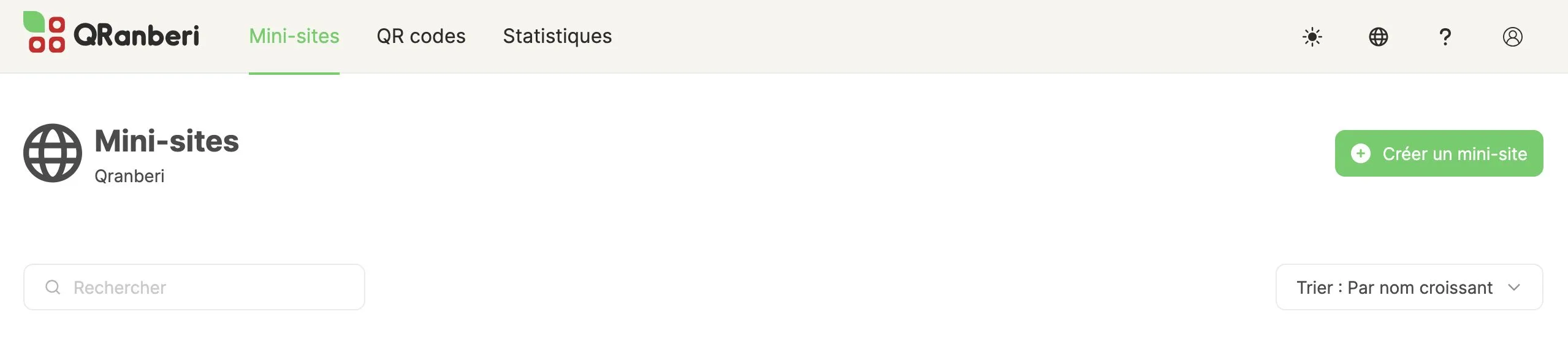
Then choose one of our templates to enter editing mode. From there, all you have to do is customize the design, add your content, and use the available components to enrich your page.
Once everything is ready, publish your micro-website. It’s as simple as that.
How do I create a QR code?
Section titled “How do I create a QR code?”In your QRanberi space, select “Create a QR code.” You will then be able to define all the settings required for your QR code.
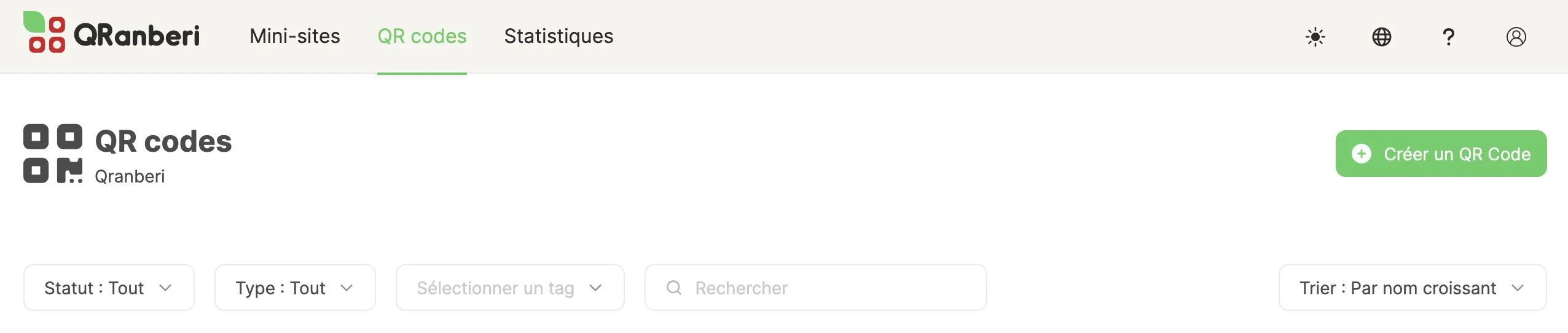
For printing on your packaging or any other medium, use the SVG or PNG formats we make available to you.
How do I connect my micro-website to a QR code?
Section titled “How do I connect my micro-website to a QR code?”When creating your QR code, you will be asked to choose its destination: this can be a micro-website built in QRanberi or an external URL of your choice.
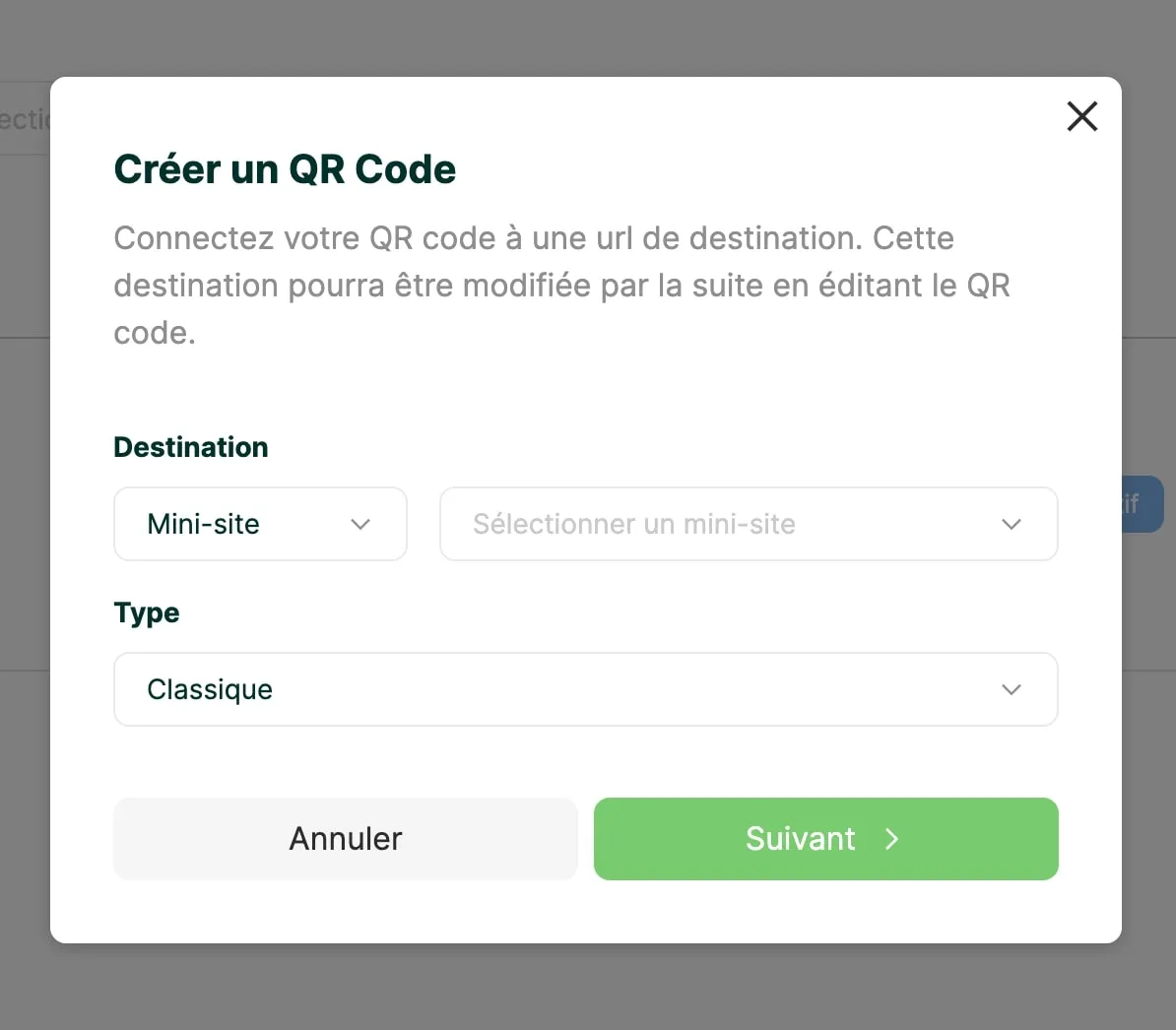
If you need to change this destination, you can do so at any time by simply editing your QR code settings.
Can I create the QR code before creating the related micro-website?
Section titled “Can I create the QR code before creating the related micro-website?”Yes, absolutely, and it is even common practice when you need to anticipate packaging print deadlines. When creating your QR code, select "URL" as the destination and enter a temporary URL instead, such as your brand homepage or a placeholder page. Once your QRanberi micro-website is ready, you can simply edit the QR code, switch the destination to “Micro-website”, and select your creation.
Which micro-website template should I choose to get started?
Section titled “Which micro-website template should I choose to get started?”QRanberi provides a gallery of templates designed for different use cases. For a quick and easy start, we recommend beginning with the “product” template (for example, Maison Legumine) or a basic template.
If you already have a clear marketing objective in mind, explore our gallery of thematic templates to find the one that best matches your needs, whether it is for a recipe, a giveaway, or a brand presentation.
How do I create an engaging micro-website?
Section titled “How do I create an engaging micro-website?”To maximize consumer engagement through your QRanberi micro-website, here are our top best practices:
- Focus your themes: Keep your message relevant and clear by concentrating on 3 to 5 key ideas at most.
- Be specific: Share concrete, useful information about your products or commitments.
- Highlight your commitments: Put your brand’s environmental, social, or ethical efforts front and center.
- Create dynamic content: Treat your content the way you would on social media, with impactful visuals, short videos, and infographics, and keep it fresh over time.
- Encourage interaction: Add clear calls to action, contact forms, or surveys to spark participation.
- Measure and improve: Track performance using the statistics available in your back office and use that data to keep optimizing your micro-website.
Can I update my micro-website to improve it?
Section titled “Can I update my micro-website to improve it?”Yes, absolutely. Flexibility is at the heart of QRanberi. You can edit your micro-website at any time using the micro-website editor, which is easy to access from the “Micro-websites” section of your back office.
Create new sections, hide elements, add or remove components in just a few clicks, and even add new pages to your existing micro-website.
How can I track performance?
Section titled “How can I track performance?”To access your micro-website performance data, go to the “Statistics” section of your domain. There, you will find key indicators such as the number of visitors, bounce rate, and average visit duration.
Track how these KPIs evolve over the time period of your choice to understand the impact of your actions and make better decisions.
For more detailed information, explore our dedicated guides:
Section titled “For more detailed information, explore our dedicated guides:”- Managing your QR codes - Learn how to create, customize, and optimize your QR codes
- Managing your micro-websites - Discover how to administer and update your micro-websites
- Building your micro-websites - Master the editor and create impactful experiences
- Using statistics - Analyze the performance of your micro-websites and QR codes